
Sports
Gamer Challenger: The Ultimate Guide to Leveling Up Your Competitive Gaming Edge

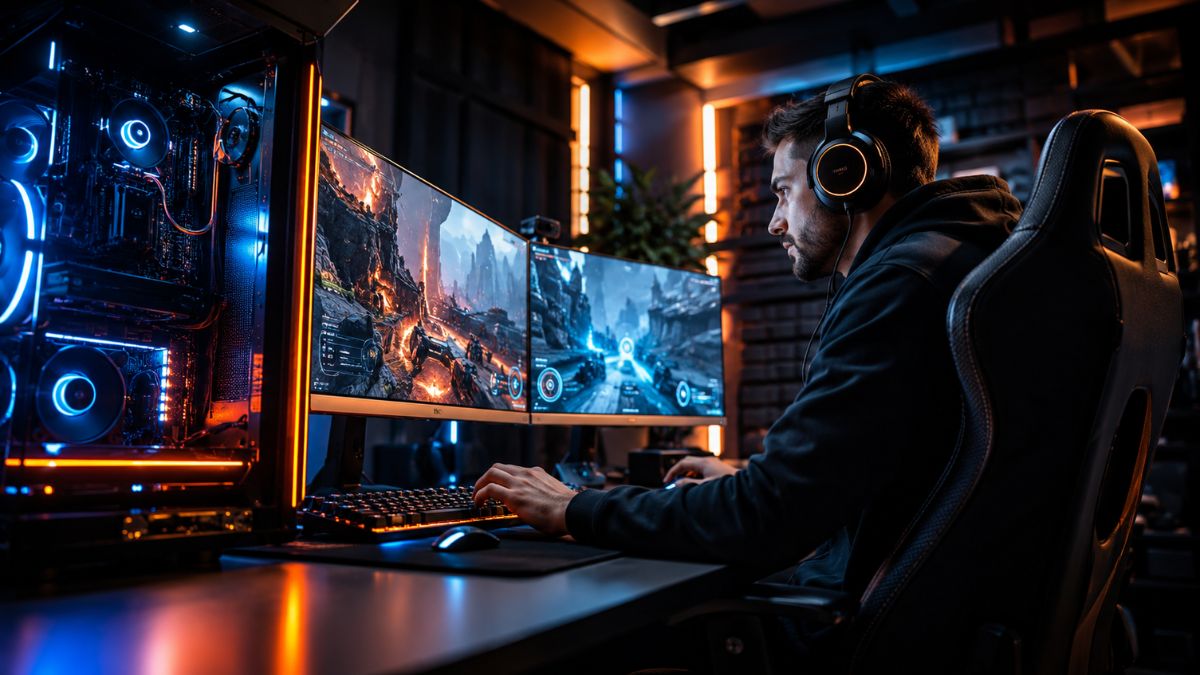
Every serious player hits a wall at some point. You grind for hours, your win rate plateaus, and it feels like something’s missing. That gap between good and great? That’s exactly where the gamer challenger mindset lives. Whether you’re pushing rank in a tactical shooter, climbing the ladder in an MOBA, or competing in fighting game circuits, understanding what it means to challenge yourself — and your opponents — is the real game-changer.
This guide breaks down everything you need to know to shift from casual play to competitive excellence.
What Makes a Gamer a True Challenger?
The term “challenger” doesn’t just refer to a rank in a game. It’s a way of thinking. A challenger gamer approaches every session with a purpose — not just to have fun, but to improve with intent.
So what separates a challenger from everyone else?
- Consistent self-evaluation: They review replays, analyze mistakes, and never blame teammates alone.
- Adaptability: They adjust strategies based on what’s working, not just what feels comfortable.
- Goal-driven sessions: Every time they log in, there’s something specific to improve.
- Emotional control: Tilt is the enemy of growth, and challengers know how to manage it.
Being a challenger gamer isn’t about raw talent. It’s about building systems that produce steady progress over time.
Casual vs. Challenger: A Quick Comparison
| Trait | Casual Gamer | Challenger Gamer |
|---|---|---|
| Session Goal | Entertainment | Skill development |
| After a Loss | Moves on quickly | Reviews and reflects |
| Rank Focus | Plays for fun | Tracks progress metrics |
| Practice Style | Random play | Deliberate, structured |
| Mindset After Mistakes | Frustration | Curiosity |
| Consistency | Plays when free | Maintains a schedule |
Core Skills Every Challenger Gamer Must Master
Becoming a stronger competitor isn’t just about putting in hours. The quality of your practice matters far more than the quantity. Here are the fundamental skill pillars every competitive gamer needs to develop.
1. Mechanics and Muscle Memory
Mechanics are the baseline. In any game, precise execution — whether it’s aim, timing, or button inputs — determines how well you can perform under pressure. Drill your fundamentals in custom lobbies, training modes, or warm-up routines before jumping into ranked matches.
2. Game Knowledge and Meta Awareness
Understanding the meta — the current dominant strategies, strongest picks, and optimal item builds — gives you an edge before a match even begins. Stay updated through patch notes, pro player streams, and community resources. A challenger gamer is always learning.
3. Decision-Making Under Pressure
This is where most players fall apart. Strong mechanics mean nothing if your decision-making collapses in clutch moments. Practice high-pressure scenarios, study how top players approach decisive situations, and slow your thinking down even when the game speeds up.
4. Communication and Team Synergy
In team-based competitive games, solo skill only takes you so far. Clear, concise communication — calling out positions, setting up plays, managing resources — elevates an entire team. Challenge yourself to be the player who builds synergy, not the one who disrupts it.
5. Mental Endurance and Resilience
Long ranked sessions are mentally exhausting. Knowing when to take breaks, how to reset after a bad game, and maintaining your focus across multiple matches is a skill in itself.
Building Your Challenger Mindset and Training Routine
Mindset drives everything. You can have the best gaming PC, the fastest internet, and a perfectly calibrated setup — but without the right mental framework, progress stays out of reach.
Design a Structured Practice Routine
Top-tier players treat gaming like athletes treat sport. Here’s a simple framework to build a challenger training schedule:
| Time Block | Activity | Duration |
|---|---|---|
| Warm-Up | Aim training / mechanics drills | 15–20 min |
| Focused Practice | Ranked or competitive play | 60–90 min |
| Review | Watch replays, analyze key moments | 20–30 min |
| Study | Watch pro matches or coaching content | 20 min |
| Rest | Full mental reset, no screens | 30+ min |
This loop, repeated consistently, accelerates improvement faster than unstructured grinding ever will.
Track Your Progress Like a Pro
One of the most overlooked tools in a competitive gamer’s arsenal is data tracking. Use tools like performance trackers, stat dashboards, or even a simple journal to note:
- Win rate trends per character, role, or weapon
- Common death patterns or recurring mistakes
- Mental state during peak vs. poor performance sessions
Patterns reveal problems. Problems become training targets. That’s the challenger loop.
Pros and Cons of the Challenger Gaming Approach
Like any discipline, the competitive path comes with trade-offs. Here’s an honest look at both sides.
Pros:
- Faster skill development through deliberate practice
- Greater satisfaction from earned progress
- Builds real transferable skills — discipline, focus, and adaptability
- Opens doors to esports opportunities, streaming careers, and community recognition
- Creates a growth-oriented social circle with other serious players
Cons:
- High time commitment required for meaningful improvement
- Risk of burnout if rest and recovery are neglected
- Can reduce the casual enjoyment of gaming
- Requires emotional discipline that takes time to develop
- External pressures (rank anxiety, losing streaks) can impact mental health
Balance is key. Even the most dedicated challenger gamer needs to protect their love for the game.
Common Mistakes Competitive Gamers Make
Even players with the right intentions fall into traps that slow their growth. Here are the biggest mistakes to avoid:
1. Grinding Without Purpose Hours played ≠ improvement. Playing 10 matches with zero self-reflection often produces no growth. Each session needs a focal point.
2. Ignoring the Mental Game Tilt, rage, and frustration are performance killers. Jumping into ranked when emotionally compromised almost always makes things worse.
3. Copying the Meta Blindly Using the strongest picks without understanding why they’re strong leads to shallow skill development. Learn the mechanics behind the strategy.
4. Neglecting Physical Health Posture, eye strain, hand health, and sleep quality directly impact performance. Gaming-specific injuries are real — treat your body like the tool it is.
5. Avoiding Feedback Whether it’s constructive criticism from teammates, a coach, or your own replays, avoiding feedback means avoiding growth.
Best Practices for the Modern Challenger Gamer
Here’s a consolidated set of strategies that consistently produce results across competitive gaming disciplines:
| Best Practice | Why It Works |
|---|---|
| Set session intentions before logging in | Focuses the mind on a specific growth area |
| Review one replay per session | Accelerates pattern recognition and mistake correction |
| Take a 5-min break every hour | Prevents cognitive fatigue and maintains reaction speed |
| Play with players slightly better than you | Forces adaptation and faster skill absorption |
| Study one pro player in your role weekly | Expands your strategic library efficiently |
| Disconnect rank from self-worth | Reduces anxiety and promotes sustainable play |
Conclusion
Becoming a gamer challenger isn’t a destination — it’s a daily practice. The players who reach the top of competitive leaderboards aren’t necessarily the most gifted. They’re the most consistent, the most self-aware, and the most willing to put in the kind of deliberate work that casual players skip.
Start small. Pick one area to improve this week. Build a routine. Review your gameplay honestly. And above all, protect your passion for the game — because the best performance always comes from players who genuinely love what they do.
The challenger path is demanding, but for those who commit to it, the rewards go far beyond a rank badge. You’ll develop discipline, resilience, and a growth mindset that carries well beyond the screen.
Frequently Asked Questions
1. What does “gamer challenger” mean in competitive gaming?
A gamer challenger refers to a player who actively pursues competitive improvement with a structured, intentional mindset — going beyond casual play to develop skills, analyze performance, and consistently push their rank or skill ceiling.
2. How do I start training like a challenger gamer?
Begin by setting specific session goals, incorporating daily mechanical drills, reviewing replays after matches, and tracking performance trends over time. Consistency and reflection are more important than raw hours played.
3. What separates challenger players from average players?
The biggest differences are mental discipline, structured practice, and consistent self-review. Challenger players treat each session as an opportunity to learn, not just to win.
4. Can any gamer develop a challenger mindset?
Yes. The challenger mindset is a skill set, not an innate talent. With the right habits, any player willing to invest in deliberate practice can improve significantly over time.
5. How do I avoid burnout while chasing a competitive gaming goal?
Integrate mandatory rest blocks into your schedule, play non-ranked games occasionally to enjoy gaming without pressure, set realistic improvement goals, and monitor your emotional state before each session.
/ You May Also Read /
Mabinogi Lazy Patch Explained: Faster Updates, Fixes, and Performance Tips
Petir108win.online – Complete Guide to Features, Benefits, and Safe Usage
Star Wars Movie FX Maker Codes: Unlock Hidden Effects, Characters & Creative Hacks
Guía Silent Hill Geekzilla: Trucos, Estrategias y Secretos para Dominar el Terror Psicológico


Multi-sport athletes do not always need a separate mouthguard for every activity, but one design may not suit every sport equally well. The right choice depends on the amount of contact, the need for communication, and how the mouthguard fits with other equipment.
A guard that works well for basketball may feel too light for football or hockey. Before using the same one year-round, it helps to compare the demands of each sport.
How Contact Level Changes the Choice
Different sports expose the mouth and jaw to different types of impact. Football, hockey, lacrosse, boxing, and martial arts involve frequent or direct contact, so athletes may need more cushioning and secure coverage.
Basketball, soccer, and baseball can still lead to dental injuries, but many players prefer a slimmer design. The goal is to balance protection with easy breathing and speech.
When One Mouthguard May Be Enough
One well-fitted guard can work across several sports when the activities have similar contact levels. It may be practical for an athlete who plays basketball, soccer, and volleyball, especially if the guard remains comfortable and secure.
A single guard may be suitable when it:
- Stays in place without clenching
- Allows clear speech and normal breathing
- Fits comfortably with helmets or face protection
- Provides enough coverage for each activity
- Remains in good condition throughout the season
A custom mouthguard for sports can sometimes be designed for general athletic use. However, the provider should know every sport the athlete plays before deciding on thickness and shape.
When Separate Guards Make Sense
Different guards may be helpful when one sport involves much heavier contact than another. A football player who also plays basketball may prefer a thicker option for football and a lower-profile guard for the court.
Separate guards can also be useful if equipment changes the fit. Helmets, face masks, and chin straps may affect jaw movement, speech, and comfort.
Position can matter as well. Quarterbacks, goalies, and team captains often communicate constantly, while linemen or combat-sport athletes may prioritize extra cushioning.
What About Braces?
Athletes with braces need room around brackets and wires. Because teeth can move during orthodontic treatment, a guard that fits at the beginning of the season may become tight later.
An orthodontic sports mouthguard should allow for those changes while protecting the lips and cheeks. The fit should be checked regularly, especially after adjustments.
Care, Storage, and Replacement
Using one guard for several sports means it may wear out faster. Inspect it often for cracks, thin areas, rough edges, or changes in shape.
Rinse it after every use, clean it with mild soap and cool water, and store it in a ventilated case. Avoid hot water and direct sunlight because heat can distort the material.
Replace the guard if it becomes loose, painful, heavily chewed, or difficult to clean. Young athletes may need replacements more often as their teeth and jaws develop.
Ask the athlete to test each guard during practice first, since small fit problems often become more noticeable during sustained movement and communication.
You May Also Read : Turaska Explained: Meaning, Uses, Benefits, and Practical Strategies

Introduction
If you’ve been searching for MethStreams alternatives, you’re probably looking for a reliable way to watch live sports online. Many unofficial streaming websites frequently disappear, suffer from buffering, display intrusive ads, or expose users to security risks. As a result, sports fans are increasingly switching to licensed streaming platforms that provide stable broadcasts, HD quality, and better overall viewing experiences.
This guide explores nine legal services that offer live sports coverage in 2026, along with their strengths, pricing models, and the types of sports they cover.
Why People Look Beyond MethStreams
Common reasons include:
- Frequent downtime
- Broken streaming links
- Heavy advertising
- Malware risks
- Poor video quality
- Copyright concerns
- Lack of customer support
Official streaming platforms solve many of these issues by offering licensed broadcasts and dependable infrastructure.
Quick Comparison
| Streaming Service | Best For | Free Trial | HD Streaming |
|---|---|---|---|
| ESPN+ | UFC, NHL, College Sports | Sometimes | Yes |
| Fubo | Sports Fans | Yes | Yes |
| DAZN | Boxing & MMA | Region Dependent | Yes |
| Peacock | Premier League & WWE | Limited | Yes |
| Paramount+ | UEFA & NFL | Yes | Yes |
| Sling TV | Budget Live TV | Occasionally | Yes |
| YouTube TV | Complete Sports Package | Yes | Yes |
| Apple TV | MLS Season Pass | No | Yes |
| Prime Video | Selected Live Sports | Included with Prime | Yes |
1. ESPN+
ESPN+ remains one of the strongest options for combat sports, NHL coverage, college athletics, and exclusive programming.
Pros
- Excellent streaming quality
- Affordable subscription
- Exclusive sporting events
- On-demand replays
Cons
- Regional restrictions
- Doesn’t include every ESPN channel
2. Fubo
Fubo focuses heavily on sports and includes many regional sports networks.
Ideal for:
- Football
- Baseball
- Basketball
- Soccer
- International tournaments
3. DAZN
DAZN specializes in combat sports while expanding coverage in several countries.
Best suited for:
- Boxing
- MMA
- Fight Nights
- Special sporting events
4. Peacock
Peacock offers strong coverage for Premier League fans along with WWE programming and selected sporting events.
5. Paramount+
A great choice for fans of:
- UEFA Champions League
- Serie A
- NFL content
- CBS Sports programming
6. Sling TV
Sling TV is popular with cord-cutters because it provides flexible channel packages at competitive prices.
7. YouTube TV
YouTube TV combines sports with entertainment channels while offering unlimited cloud DVR in many regions.
8. Apple TV
Apple TV delivers MLS Season Pass alongside an expanding collection of sports programming.
9. Amazon Prime Video
Prime Video continues expanding its sports lineup with selected football games and exclusive events depending on region.
Which Platform Is Best?
| Viewing Need | Recommended Service |
| UFC & MMA | ESPN+, DAZN |
| Soccer | Peacock, Paramount+, Apple TV |
| NFL | YouTube TV, Fubo |
| College Sports | ESPN+ |
| Budget Option | Sling TV |
| All-around Coverage | Fubo, YouTube TV |
Best Practices for Choosing a Sports Streaming Service
- Check regional availability.
- Compare monthly costs.
- Look for free trials.
- Confirm device compatibility.
- Verify supported sports before subscribing.
- Consider DVR and replay features.
Common Mistakes to Avoid
- Choosing a platform without checking league rights.
- Ignoring regional blackout restrictions.
- Overlooking internet speed requirements.
- Paying for channels you won’t use.
- Forgetting to cancel free trials.
Pros and Cons of Official Streaming Platforms
Pros
- Reliable HD streaming
- Licensed broadcasts
- Better security
- Customer support
- Multi-device compatibility
- Consistent uptime
Cons
- Monthly subscription fees
- Regional content restrictions
- Some premium events cost extra
Frequently Asked Questions
Is MethStreams still available?
Unofficial streaming sites frequently change domains or become unavailable due to legal enforcement and copyright actions.
Are there legal alternatives?
Yes. Services like ESPN+, Fubo, DAZN, Peacock, Paramount+, Sling TV, YouTube TV, Apple TV, and Prime Video provide licensed sports coverage.
Which service is best for UFC?
ESPN+ and DAZN are among the most popular choices for combat sports coverage.
Can I watch on multiple devices?
Most official services support smartphones, tablets, computers, smart TVs, and streaming devices.
Which option offers the broadest sports selection?
Fubo and YouTube TV provide some of the most comprehensive live sports channel lineups.
Conclusion
Sports fans have more legitimate streaming choices than ever before. While unofficial streaming websites may seem convenient, licensed services deliver higher quality, stronger security, reliable broadcasts, and long-term value. By choosing the right platform based on your favorite leagues and budget, you can enjoy live sports without the frustration of broken streams or constant interruptions.
/ You May Also Read /
Watchnewmovienet Com Explained Features Safety and Streaming Tips
Esports News DualMedia: Your Complete Guide to Modern Esports Coverage and Gaming Updates
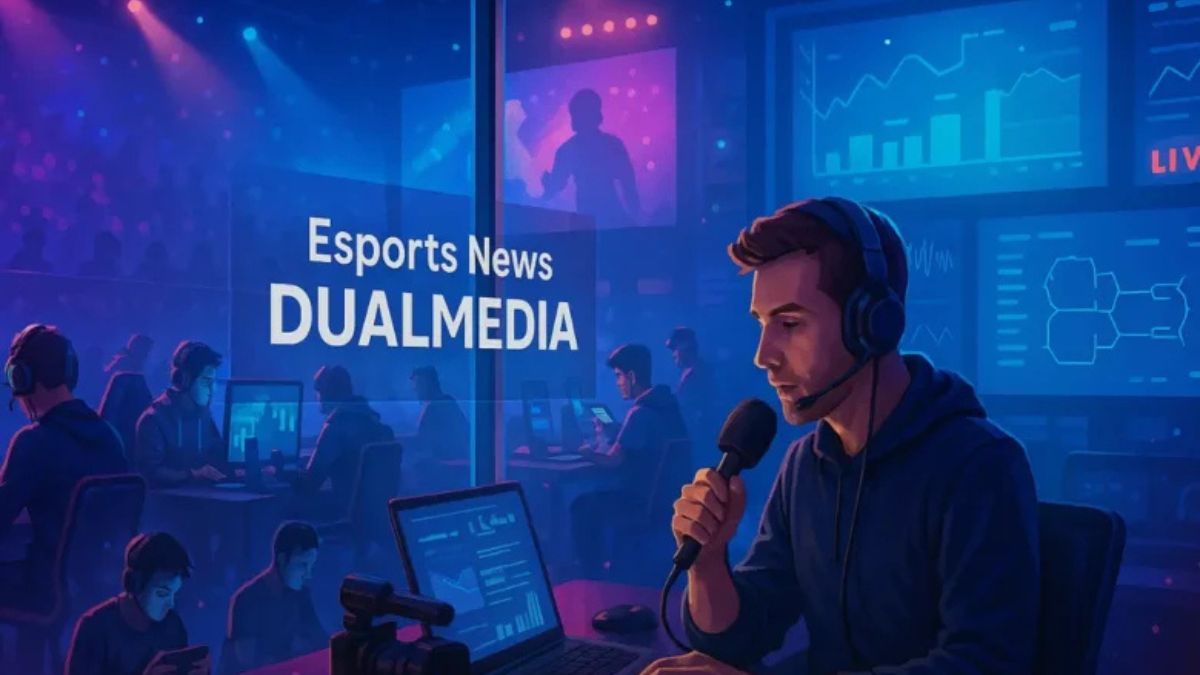
Introduction
The esports industry has transformed from a niche gaming community into a global entertainment powerhouse. As competitive gaming continues to attract millions of viewers worldwide, reliable sources of information have become increasingly important. This is where esports news dualmedia has gained attention among gaming enthusiasts looking for tournament updates, player insights, industry developments, and expert analysis.
Whether you follow competitive shooters, multiplayer online battle arenas, fighting games, or mobile esports, staying informed helps you understand the rapidly evolving gaming landscape. Modern esports media platforms provide far more than match results. They deliver in-depth coverage, player interviews, strategic analysis, transfer rumors, and business developments shaping the industry.
In this guide, we’ll explore how esports news platforms operate, why quality esports journalism matters, and how readers can maximize their esports information sources.
What Is Esports News DualMedia?
Esports news dualmedia refers to a modern approach to esports reporting that combines multiple forms of content delivery. Instead of relying solely on written articles, platforms often integrate:
- Breaking news updates
- Match reports
- Video content
- Live event coverage
- Social media analysis
- Tournament statistics
- Player interviews
- Industry insights
This dual-content strategy allows fans to consume information in formats that match their preferences.
Why Modern Esports Coverage Matters
Competitive gaming moves incredibly fast. Teams change rosters frequently, tournaments occur year-round, and game developers constantly release updates that affect professional play.
Without reliable news sources, fans may struggle to keep up with:
- Meta changes
- Team transfers
- Tournament schedules
- New game releases
- Sponsorship announcements
- Player retirements
Quality coverage helps bridge the gap between casual viewers and dedicated esports followers.
The Evolution of Esports Journalism
The esports media landscape has evolved significantly over the last decade.
Initially, coverage was limited to community forums and fan-run websites. Today, professional esports journalism includes dedicated reporters, analysts, broadcasters, and content creators covering major competitions worldwide.
Traditional Gaming News vs Modern Esports Coverage
| Feature | Traditional Gaming News | Modern Esports Coverage |
|---|---|---|
| Focus | Game releases | Competitive scenes |
| Content Type | Reviews and previews | Match analysis and reports |
| Audience | General gamers | Competitive gaming fans |
| Updates | Weekly or monthly | Daily and real-time |
| Coverage Style | Entertainment-focused | Sports-style reporting |
The shift toward professional reporting has helped esports gain mainstream recognition.
Key Areas Covered by Esports Media
Most esports publications focus on several major categories:
Tournament Coverage
Tournament reporting remains the backbone of esports journalism.
Coverage typically includes:
- Match previews
- Live updates
- Bracket analysis
- Post-match reviews
- Championship recaps
Team and Player News
Fans closely follow professional players and organizations.
Common topics include:
- Roster changes
- Contract announcements
- Retirement news
- Player achievements
- Team rankings
Industry Developments
The business side of esports continues to grow.
Media outlets regularly report on:
- Sponsorship deals
- Investment activity
- Event partnerships
- Streaming agreements
- Market trends
How Esports News DualMedia Delivers Information
One of the biggest advantages of modern esports platforms is their multi-channel content approach.
Written Content
Written articles remain valuable because they provide:
- Detailed explanations
- In-depth analysis
- Historical context
- Expert opinions
Long-form content often helps readers understand complex developments within competitive gaming.
Video Coverage
Video content offers unique advantages:
- Visual match highlights
- Expert discussions
- Tournament recaps
- Strategy breakdowns
Many fans prefer video because it showcases gameplay moments directly.
Social Media Integration
Social media has become a critical source of breaking esports news.
Platforms often monitor:
- Player announcements
- Team statements
- Tournament updates
- Community reactions
This allows journalists to report developments quickly while adding context and verification.
Popular Esports Titles Covered by News Platforms
Different esports games attract different audiences and require specialized coverage.
| Esports Category | Popular Titles | Main Coverage Areas |
|---|---|---|
| FPS Games | Counter-Strike, Valorant | Tactical analysis, roster changes |
| MOBA Games | League of Legends, Dota 2 | Meta shifts, tournament results |
| Battle Royale | PUBG, Apex Legends | Event coverage, player rankings |
| Mobile Esports | Mobile Legends, PUBG Mobile | Regional competitions |
| Fighting Games | Street Fighter, Tekken | Championship events, player profiles |
Each game has its own ecosystem, competitive structure, and audience expectations.
Benefits of Following Reliable Esports News Sources
Stay Ahead of Major Developments
Fans who regularly follow esports media can quickly learn about:
- Upcoming tournaments
- Team changes
- Game updates
- Industry announcements
This helps them remain connected to the competitive scene.
Improve Game Knowledge
Many esports articles explain advanced strategies and meta developments.
These insights can help players:
- Understand professional tactics
- Learn new strategies
- Analyze team decisions
- Improve personal gameplay
Discover Emerging Talent
Professional esports constantly introduces new players.
Media coverage often highlights:
- Rising stars
- Breakout performances
- Regional talent
- Amateur success stories
This creates opportunities for fans to discover future champions before they become mainstream.
Essential Features of a Great Esports News Platform
Not all esports websites provide the same level of quality.
Accuracy
Reliable reporting should prioritize factual information over speculation.
Indicators of quality include:
- Verified sources
- Transparent reporting
- Timely corrections
- Professional standards
Speed
Breaking news matters in esports.
The best platforms provide updates quickly without sacrificing accuracy.
Analysis
Beyond reporting events, strong journalism explains why developments matter.
Good analysis helps readers understand:
- Strategic implications
- Competitive impact
- Industry significance
Community Engagement
Successful esports media often encourages interaction through:
- Comments
- Polls
- Social discussions
- Community feedback
Best Practices for Consuming Esports News
| Best Practice | Why It Matters |
|---|---|
| Follow multiple sources | Reduces bias and improves perspective |
| Verify major rumors | Prevents misinformation |
| Read analysis articles | Provides deeper understanding |
| Track tournament calendars | Avoids missing major events |
| Follow official team channels | Confirms announcements |
These habits help fans become more informed and engaged.
Pros and Cons of Modern Esports Media
Pros
- Fast access to breaking news
- Detailed tournament coverage
- Expert strategic analysis
- Global esports visibility
- Multiple content formats
- Community engagement opportunities
Cons
- Rumors can spread quickly
- Information overload
- Varying reporting standards
- Potential source bias
- Constant updates may overwhelm casual fans
Common Mistakes Esports Fans Make
Many readers unintentionally limit their understanding of the esports industry.
Relying on One Source
No single publication covers everything.
Using multiple sources provides broader perspectives.
Believing Every Rumor
Roster leaks and transfer rumors are common.
Always wait for official confirmation before accepting major claims.
Ignoring Industry News
Many fans focus only on match results.
However, sponsorships, investments, and partnerships often shape the future of esports.
Overlooking Regional Scenes
Emerging regions frequently produce talented players and exciting tournaments.
Expanding coverage beyond major leagues provides a more complete view of competitive gaming.
The Future of Esports News DualMedia
The esports industry continues to evolve, and media coverage is evolving alongside it.
Several trends are likely to influence future reporting:
Data-Driven Analysis
Advanced statistics are becoming increasingly important.
Future coverage may include:
- Performance analytics
- Predictive insights
- Advanced player metrics
- Interactive visualizations
Enhanced Video Content
Video consumption continues to grow across gaming audiences.
Expect more:
- Documentary-style features
- Live analysis shows
- Interactive broadcasts
- Behind-the-scenes content
Global Expansion
Esports is expanding rapidly across multiple regions.
Coverage will likely become more international, offering deeper insights into regional competitions and emerging markets.
How to Choose the Right Esports News Source
When evaluating esports media platforms, consider:
- Reporting accuracy
- Coverage depth
- Update frequency
- Tournament focus
- Community reputation
- Editorial quality
The best sources balance speed with reliability while providing meaningful context for readers.
Conclusion
The rise of esports news dualmedia reflects the growing demand for comprehensive competitive gaming coverage. Modern esports fans expect more than simple match results. They want analysis, interviews, industry insights, video content, and real-time updates delivered across multiple platforms.
As esports continues its global expansion, quality journalism will play an increasingly important role in helping fans understand tournaments, teams, players, and industry developments. By following reliable sources, verifying information, and exploring multiple perspectives, readers can stay informed in one of the fastest-growing entertainment sectors in the world.
FAQs
1. What is esports news dualmedia?
Esports news dualmedia refers to a multi-format approach to esports reporting that combines written articles, videos, social content, analysis, and tournament coverage.
2. Why is esports journalism important?
It helps fans stay informed about tournaments, player transfers, industry trends, and competitive gaming developments.
3. What types of content do esports news platforms provide?
Most platforms offer match reports, interviews, analysis, breaking news, tournament coverage, and video highlights.
4. How can I find reliable esports news sources?
Look for platforms with verified reporting, professional standards, accurate information, and strong community credibility.
5. Which esports games receive the most media coverage?
Popular titles include League of Legends, Counter-Strike, Valorant, Dota 2, PUBG Mobile, Apex Legends, and various fighting games.
/ You May Also Read /
Ultimate Pragmatic Juara100.org Medal Achievement Guide for Maximum Rewards
-

 Business6 months ago
Image Search Techniques: Smarter Ways to Find Accurate Visual Results Online
-
Health4 months ago
Why Are So Many Autistic Girls and Women Still Missing Out on Early Identification?
-

 Lifestyle7 months ago
Sustainable Ways to Buy and Sell Antiques
-

 Sports4 months ago
Ultimate Pragmatic Juara100.org Medal Achievement Guide for Maximum Rewards
-

 Technology5 months ago
TabooTube: What It Is, How It Works, and Whether It’s Worth Your Time
-

 Technology8 months ago
Top Features of ProgramGeeks Social You Didn’t Know About
-

 Health6 months ago
Pravi Celer: Benefits, Uses, and How to Add It to Your Daily Diet
-

 Education5 months ago
Soutaipasu Explained: Meaning, Uses, and Why It’s Gaining Attention